Account Settings is where you manage your profile, your sign-in security, your plan and billing,...
Read More »October 30, 2026
You do not have to prepare videos yourself. RecurPost accepts uploads up to 2 GB and...
Read More »October 29, 2026
There might be certain instances when you encounter errors while publishing a post from your...
Read More »October 28, 2026
There might be certain instances when you encounter errors while publishing a post from your...
Read More »October 27, 2026
Roles and Permissions let the account owner decide exactly what each team member can see...
Read More »October 13, 2026
Twitter’s guidelines prohibit the sharing of duplicate content on the same profile. According to Twitter,...
Read More »October 13, 2026
Using RecurPost AI Feature RecurPost’s AI feature can help you create new, compelling content in...
Read More »September 28, 2026
What is the Approval Queue? A team member managing another’s RecurPost account using their workspace can...
Read More »September 28, 2026
With our Workspace feature, you will easily be able to invite team members and assign...
Read More »September 28, 2026
Workspaces enable you to do the following: You will be able to quickly organize your...
Read More »September 28, 2026
What is AI-Crafted Special Day Posts? RecurPost’s AI-Crafted Special Day Posts feature uses advanced technology...
Read More »September 28, 2026
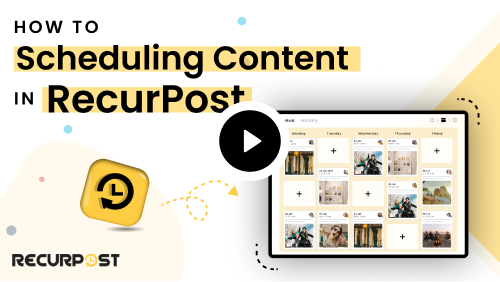
The calendar is the first screen after logging in to RecurPost. It shows what is...
Read More »September 28, 2026
RecurPost allows you to schedule posts on Threads, Meta’s conversational platform, to engage your audience...
Read More »September 28, 2026
RecurPost allows you to schedule posts on Bluesky to engage your audience in real-time discussions....
Read More »September 28, 2026
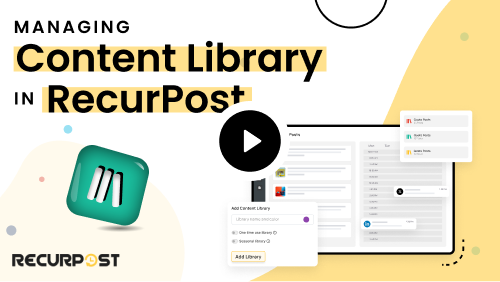
In this article, we have tried to cover the topic of managing libraries comprehensively, but...
Read More »September 28, 2026
Import Posts into Your RecurPost Library RecurPost lets you bring posts from your connected social...
Read More »September 28, 2026
RecurPost Custom Reports is a drag-and-drop report builder that turns performance data from 11 social...
Read More »September 28, 2026
RecurPost allows you to efficiently upload and manage content through Excel or CSV files, simplifying...
Read More »September 28, 2026
RecurPost lets you add posts in bulk, so you can fill a library in one...
Read More »September 28, 2026
The AI Writing Assistant drafts post copy from a prompt you give it. It draws...
Read More »September 28, 2026
AI Templates give you a starting structure for a post so you do not have...
Read More »September 28, 2026
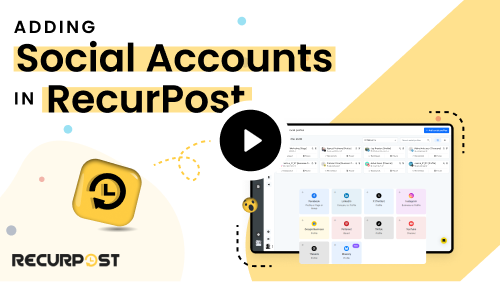
The Facebook tile covers all three types. Click it, then pick Page, Profile or Group...
Read More »September 24, 2026
RecurPost makes it simple to manage your Instagram content, whether you’re posting to your Feed,...
Read More »September 24, 2026
There might be certain instances when you encounter errors while publishing a post on your...
Read More »September 24, 2026
You do not have to resize images yourself. RecurPost accepts uploads up to 30 MB and...
Read More »September 24, 2026
RecurPost allows you to create and customize posts for multiple social media platforms efficiently. Whether...
Read More »September 24, 2026
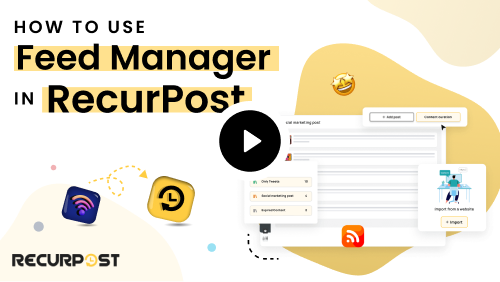
Content Curation help you to get new articles from your favorite websites into your RecurPost...
Read More »September 18, 2026
RecurPost is now available in the Zapier ecosystem. It means you can connect RecurPost to...
Read More »September 16, 2026
You can connect your Canva account directly inside RecurPost. Once connected, you can browse all...
Read More »September 10, 2026
What is a Custom Field? Custom Fields let you store account-specific information under named categories...
Read More »September 10, 2026