
Setting up RecurPost takes just a few minutes. Follow these simple steps to get your account ready for posting.
Sign up and Verify Your Email
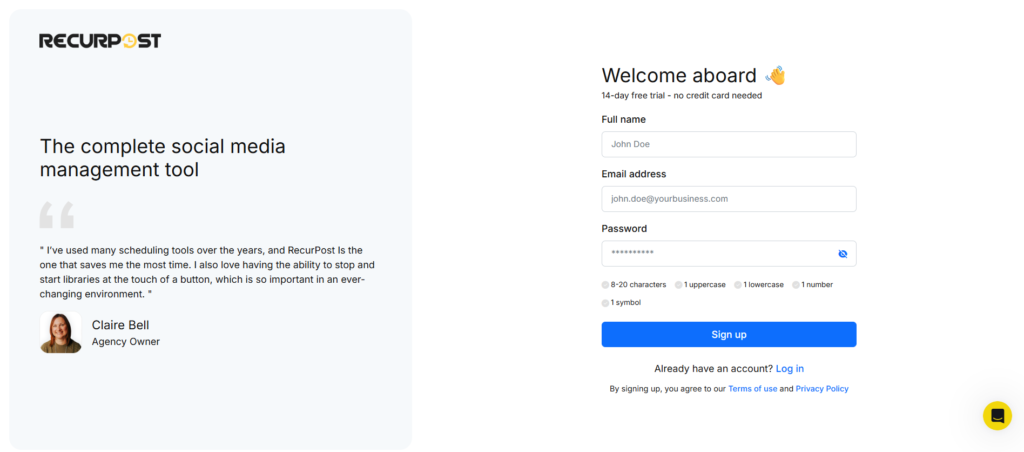
Visit RecurPost and create your account. You’ll enter your email address and create a password.
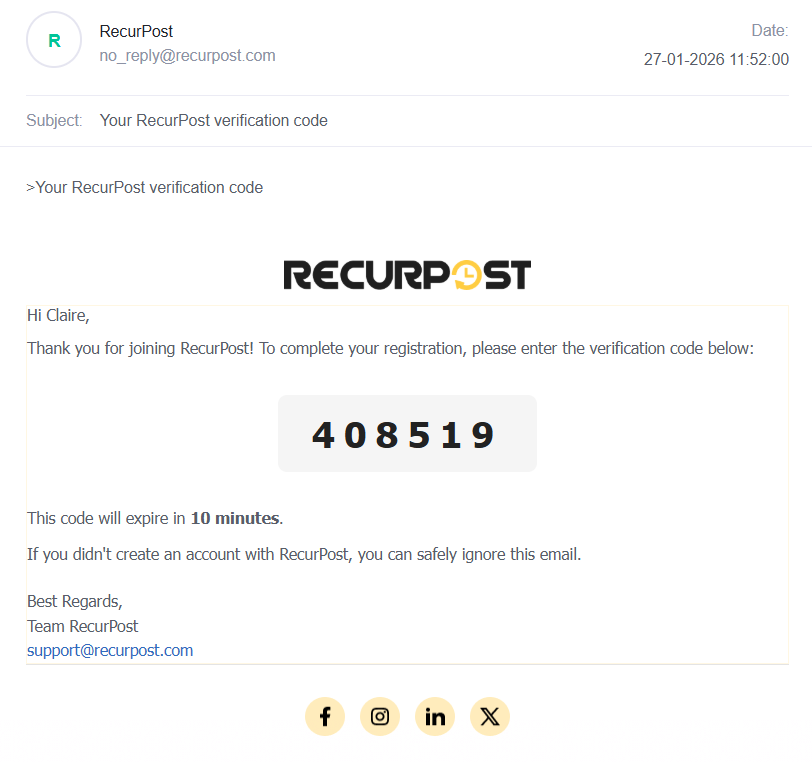
After signing up, check your email inbox. We’ll send you a 6-digit verification code. Enter this code on the verification screen to confirm your account.
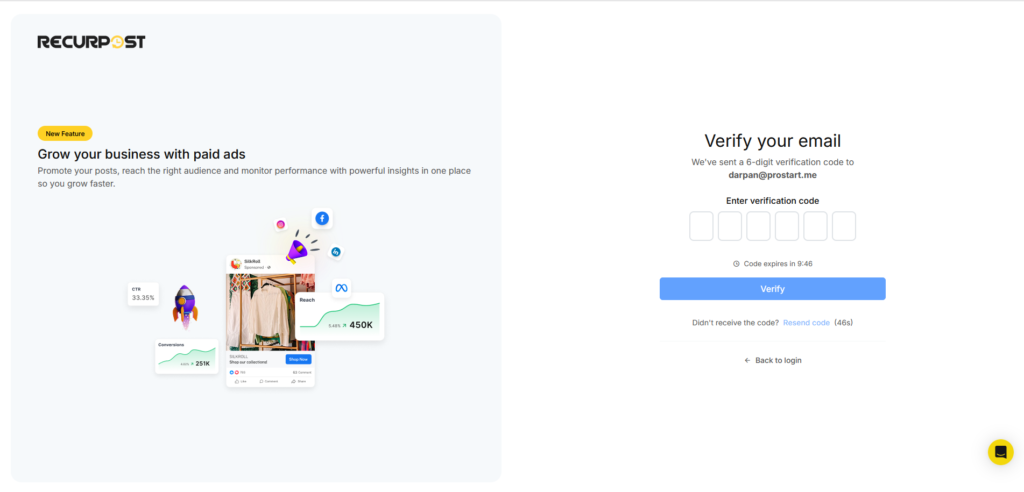
The code arrives within a minute or two. If you don’t see it, you can request a new one.
Free trial: RecurPost offers a free trial. You can test all features before making any commitment.
Step 1: Connect Your Social Accounts
Log in to your RecurPost account after verification. Your first task is to connect your social media accounts.
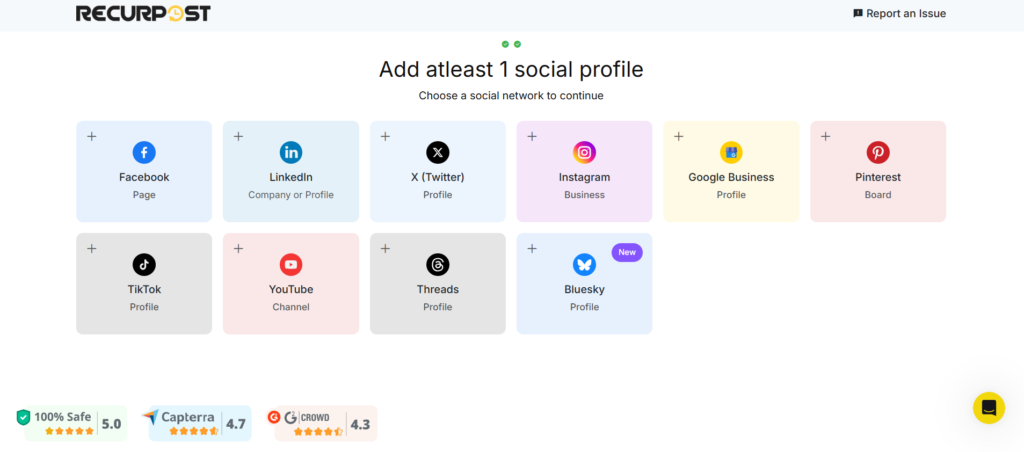
Visit the ‘Social Profile‘ page. Add the accounts you want to manage. All connected accounts appear on the left panel of the ‘Calendar‘ page.
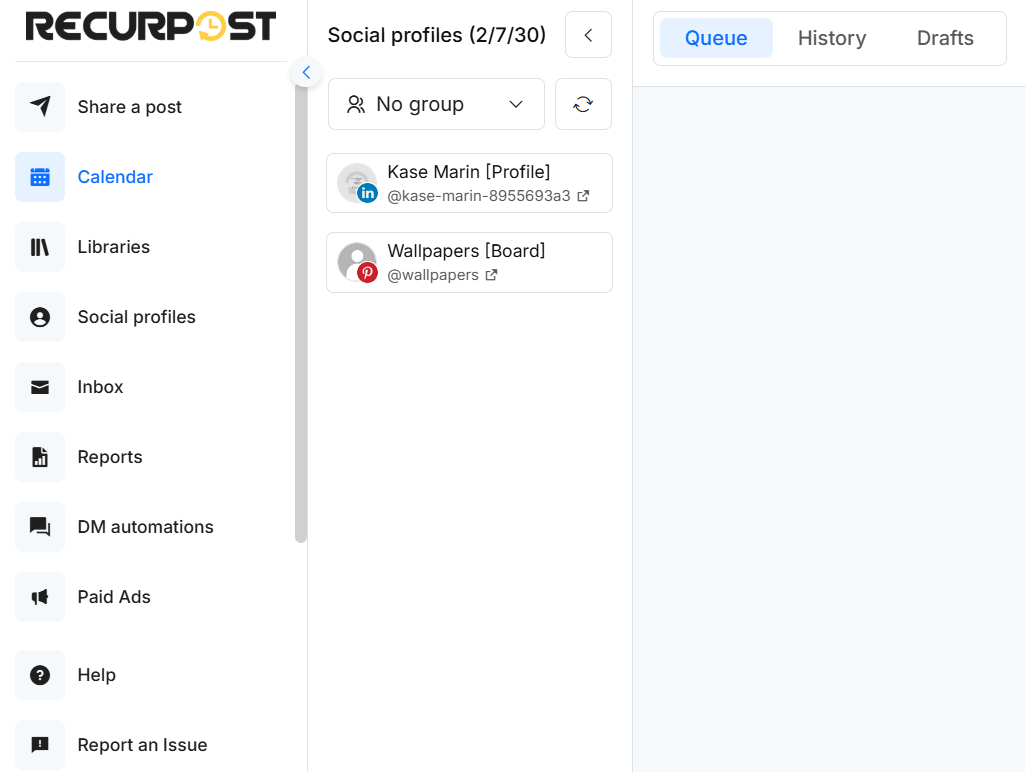
Learn how to add your social accounts here.
Step 2: Create Content Libraries
Content libraries organize your posts into different groups. Think of them as folders for your content.
Create libraries like “Blog Posts,” “Curated Content,” or “Motivational Quotes.” This keeps everything neat and easy to find.
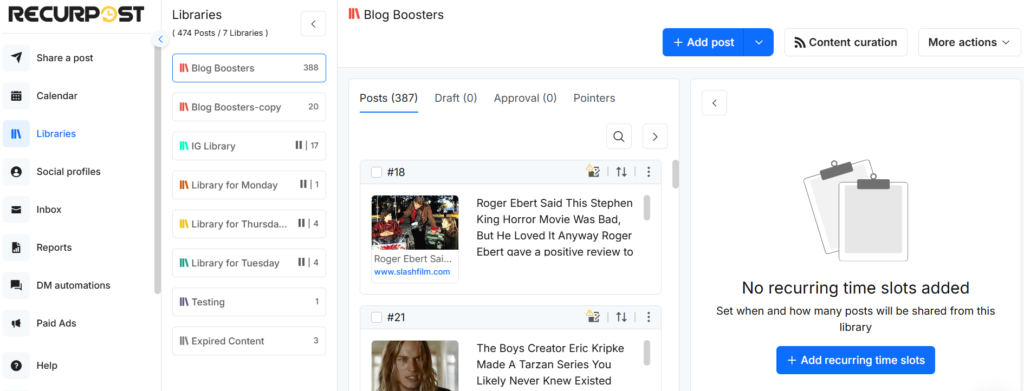
Organized content saves time when scheduling. You’ll know exactly where each type of post lives. Read this guide to learn how to create libraries.
Step 3: Add Content to Your Libraries
Now you’ll add your actual posts. RecurPost supports text posts, link posts, image posts, and video posts.
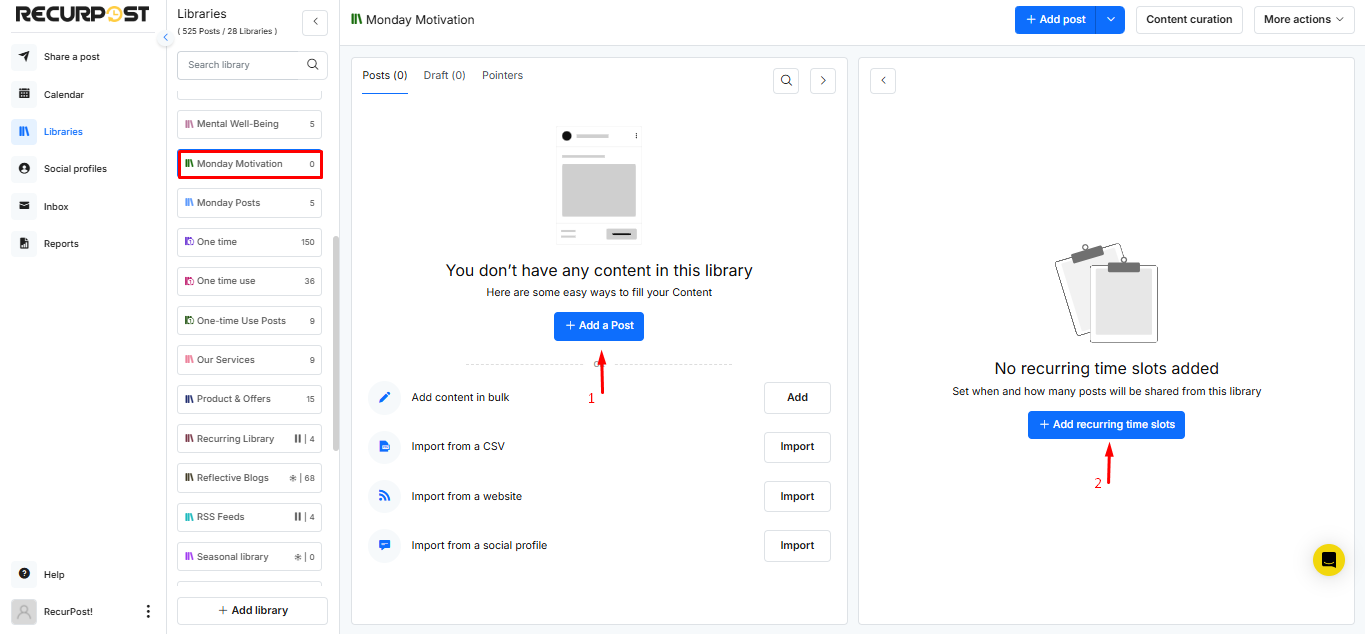
Each post can go out once or repeat automatically. Recurring posts save hours of work. Add them once, and they post on schedule.
This variety keeps your social feeds fresh and interesting. Click here to learn how to add content to your libraries.
Step 4: Set Up Your Recurring Schedules
The final step is creating your posting schedule. You’ll choose when posts go live on each platform.
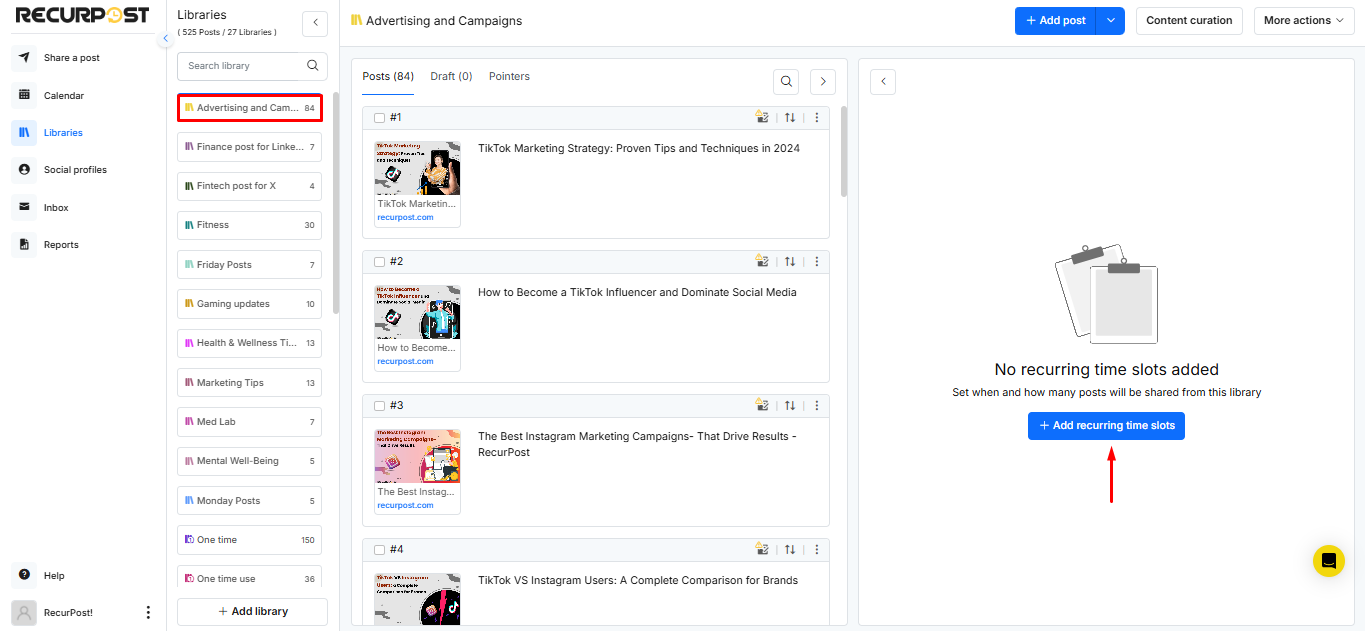
Set time slots for different types of content. RecurPost follows this schedule automatically. Your posts go out without any manual work.
The visual schedule makes planning easy. You see exactly when everything posts. See how to create schedules in detail here.
You’re All Set!
Your RecurPost account is ready. Your posts will go out automatically based on your schedule.
You can change your libraries, content, and schedules anytime. Adjust as you learn what your audience loves.
Please email us at support@recurpost.com if you have any queries.